


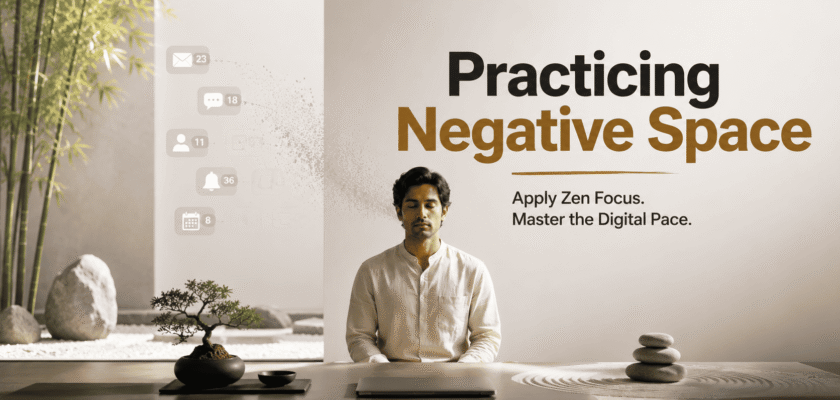
1. Why Digital Speed Creates Mental Crowding
Modern schedules are filled with meetings, alerts, messages, dashboards and rapid decisions. Even when tasks are completed, the mind may remain crowded because there is no pause between one demand and the next.
✓ Every notification asks for attention.
✓ Every open tab represents unfinished work.
✓ Every quick response reduces time for reflection.
✓ Every context switch leaves a small mental residue.
2. What Negative Space Means in Zen Practice
In art and design, negative space is the area around the main subject. In daily life, it is the unfilled time around important activity.
◆ A pause before replying
◆ A quiet walk without audio
◆ An empty section in the calendar
◆ A desk with fewer objects
◆ A morning without immediate news
3. The Difference Between Rest and Escape
Rest restores attention. Escape only postpones discomfort. Endless scrolling may look like a break, but it often adds more stimulation.
| Practice | Restorative Result | Hidden Risk |
| Silent walk | Mental reset | Can feel uncomfortable at first |
| Short meditation | Lower reactivity | Needs consistency |
| Mindless scrolling | Temporary distraction | Adds more input |
| Scheduled pause | Clearer next decision | May be ignored under pressure |
4. The Zen One-Thing Rule
Zen focus begins by giving one activity full attention. The goal is not to move slowly forever. It is to remove unnecessary mental switching.
→ One screen for one task
→ One conversation without checking the phone
→ One meal without news
→ One planning page instead of several apps
5. Create Transition Space Between Tasks
A two-minute pause between tasks can reduce carryover from the previous activity.
✓ Close the finished document.
✓ Take three slow breaths.
✓ Write the next task in one sentence.
✓ Clear the desk surface.
✓ Begin only after the transition is complete.
| → QUICK PRACTICE: Before opening the next app, look away from the screen and take one full breath. |
6. The Empty Calendar Block
A calendar filled to 100% leaves no room for delays, thought or emotional recovery. Protecting empty blocks creates flexibility.
○ Keep 10–15 minutes between important meetings.
○ Leave one hour each week without scheduled output.
○ Avoid booking every evening.
○ Protect one morning for deep work.
7. Negative Space at the Desk
A visually crowded desk can make the mind feel busy before work begins.
✓ Keep only current-task materials visible.
✓ Use one calm color family.
✓ Hide chargers and spare accessories.
✓ Remove decorative items that compete for attention.
✓ Leave part of the desk intentionally empty.
8. Digital Negative Space
◆ Turn off non-essential notifications.
◆ Use full-screen mode for focused work.
◆ Keep fewer browser tabs open.
◆ Create phone-free meals.
◆ Avoid news during the first and last hour of the day.
9. A 5-Minute Zen Reset
Use this short reset when the schedule feels too fast:
→ Minute 1: Put the phone face down.
→ Minute 2: Breathe slowly.
→ Minute 3: Notice body tension.
→ Minute 4: Write the next single action.
→ Minute 5: Begin without opening extra apps.
10. Saying No Creates Space
Negative space is also created through boundaries. Every unnecessary yes occupies future attention.
✓ Decline meetings without a clear purpose.
✓ Delay non-urgent replies.
✓ Avoid commitments made from guilt.
✓ Protect time for health and relationships.
11. Common Mistakes
✗ Turning rest into another performance goal
✗ Using meditation only during crisis
✗ Filling every pause with social media
✗ Expecting instant calm
✗ Removing all structure instead of reducing excess
12. Seven-Day Negative Space Routine
| Day | Practice |
| Day 1 | Disable non-essential alerts |
| Day 2 | Create one 10-minute transition block |
| Day 3 | Clear one section of the desk |
| Day 4 | Take a silent walk |
| Day 5 | Keep one meal phone-free |
| Day 6 | Protect one unscheduled hour |
| Day 7 | Review which pause improved focus most |
13. Final Verdict
Practicing negative space is a practical Zen-inspired response to high-velocity digital schedules. It protects mental room for reflection, better decisions and calmer work.


